
Turn the people watching into the people playing.
Run a quiz competition, a prize draw or a live game round for your audience on TikTok Live, Twitch, Instagram Live or YouTube, or for your customers during a launch. Viewers scan the code on screen or tap the link in chat and play on their own phone, with no app.
See how Challenges work- A QR code on stream or a link in chat
- Played on phones, no app
- Everyone plays at their own pace
- Prize draws with winner codes
- Know who played and who won
Launch week quiz
Closes Sunday 8pm
Live
Players from the stream
- 1jaybuilds45011,840
- 2maya.runs30011,520
- 3tobi_codes11,090
- 4Grace O10,730
Hundreds watch. A handful say anything.
A live stream can have hundreds of people watching and five typing in chat. A brand's customer giveaway gets likes from people you never hear from again.
Comment-to-enter giveaways end with you scrolling a wall of names to pick one by hand, then trying to find the winner after the stream ends.
The old way
- Comment to enter, then scroll to pick a winner
- A random number generator on a second tab
- A winner you can't reach once the stream ends
- Game Type
- Details
- 3Questions
Launch week quiz
Unscramble
Add questions
Write your own, generate them with AI, or upload a spreadsheet. You can combine all three.
Create with AI
Describe a topic and let AI draft the questions.
Topic or brief
Questions about our new trainers and our running community
Generate 4 questionsPreview
4 generated
1.kaesner
Answer: sneaker
2.unchal
Answer: launch
3.marset
Answer: stream
4.zerip
Answer: prize
Give your audience something to play.
Open a Challenge for the length of a stream, or for a launch week on a Business account. Viewers play a quiz about your product, your channel or your niche on their own phone, each with a shuffled draw from your question set, and faster right answers score more. Everyone plays at their own pace, so the delay on your stream costs nobody points.
For a prize draw, add a Raffle. Draw winners live on stream with a wheel or a name reel, or let every viewer spin to win on their phone. Each winner gets a code, and you check it before you send the prize.
Run your first giveaway this week.
Set it up before you go live, then let the leaderboard and the draw do the talking.
Build the quiz or the prizes
Write questions in the Playground, import a spreadsheet or let Create with AI draft a set. For a draw, add your prizes with a photo and a sponsor.
Put the code on stream
Add the QR code to your stream layout, and pin the link in chat, your bio or the video description.
Reward the players
Crown the top of the leaderboard or draw winners live. Then check each winner's code, or their email, before you send the prize.
Four ways to reward your audience.
Mix them across a launch or a stream series. Viewers join each one from their phone.
A leaderboard competition
A Challenge open for hours, or up to 7 days on a Business account. Players join with a name and an email, and each email plays once.
Spin to win
Every viewer spins once on their phone. You set the prizes and roughly how many will play, and the odds follow.
A live draw on stream
Viewers join on their phone and the wheel spins on your stream. Not here, redraw picks again if a winner has gone.
Winners you can reach
Challenge winners confirm by email before you send a prize. Raffle winners can email their code to themselves and send it to you.
Quiz games for a competition.
Any of these can go in a Challenge, written about your product, your channel or your niche.
Trivia
Multiple choice, true or false or typed answers. The easiest way to test who knows your brand best.
Unscramble
Scrambled product names, slogans or in-jokes from your community. Quick to play on a phone.
Odd One Out
Four options, one that does not belong. A fast round your regulars will race through.
For viewers in the same room, a live round on the big screen holds up to 200 players.
See the full game libraryFrom a small stream to a launch campaign.
Free covers up to 10 players, enough to test with your moderators or team. A Party plan covers one event for up to 200, with 24 hours of play. For a brand on a Business account, where a Challenge stays open for up to 7 days, Business Pro takes up to 500 people in each Challenge or raffle all year, and an Event Pass sizes one week-long campaign for up to 2,000 people.
Free
Great for trying it out or small family nights.
- Up to 10 players
- 5 events/month
- 90 min sessions
Party Plan
Pay once. Play all day. Perfect for parties and events.
- Up to 50 guests, or 200 with Party Max
- Full access for 24 hours of one event
- Unlimited games & sessions
- Advanced game settings
Pro
For hosts who run sessions every week.
- Up to 100 players
- Always-on monthly access, cancel anytime
- Analytics & data
- Priority support
Contact Us
Built for companies running events at scale.
- 100+ players
- Custom requirements
- Dedicated support
Free
Build your event and try every experience before you pay.
- 2 experiences per event
- Up to 10 guests in each
- Switching to Business is free
Event Pass
One event, sized by how many people attend.
- 100, 200, 500 or 2,000 attendees
- One event for 7 days
- Unlimited experiences in that event
- Answer Breakdown for quizzes
Business Pro
For teams that run events all year.
- Up to 200 players per game session
- 500 in each Challenge, Q&A, raffle or Bingo
- Every event, all year
- Priority support
Contact Us
Built for companies running events at scale.
- More than 2,000 attendees
- Custom requirements
- Dedicated support
More ways to bring the room together
Add any of these to your event, and guests join from their phones with no app. On a Business account they share one event link with your games. They work on every plan, including Free for up to 10 guests.
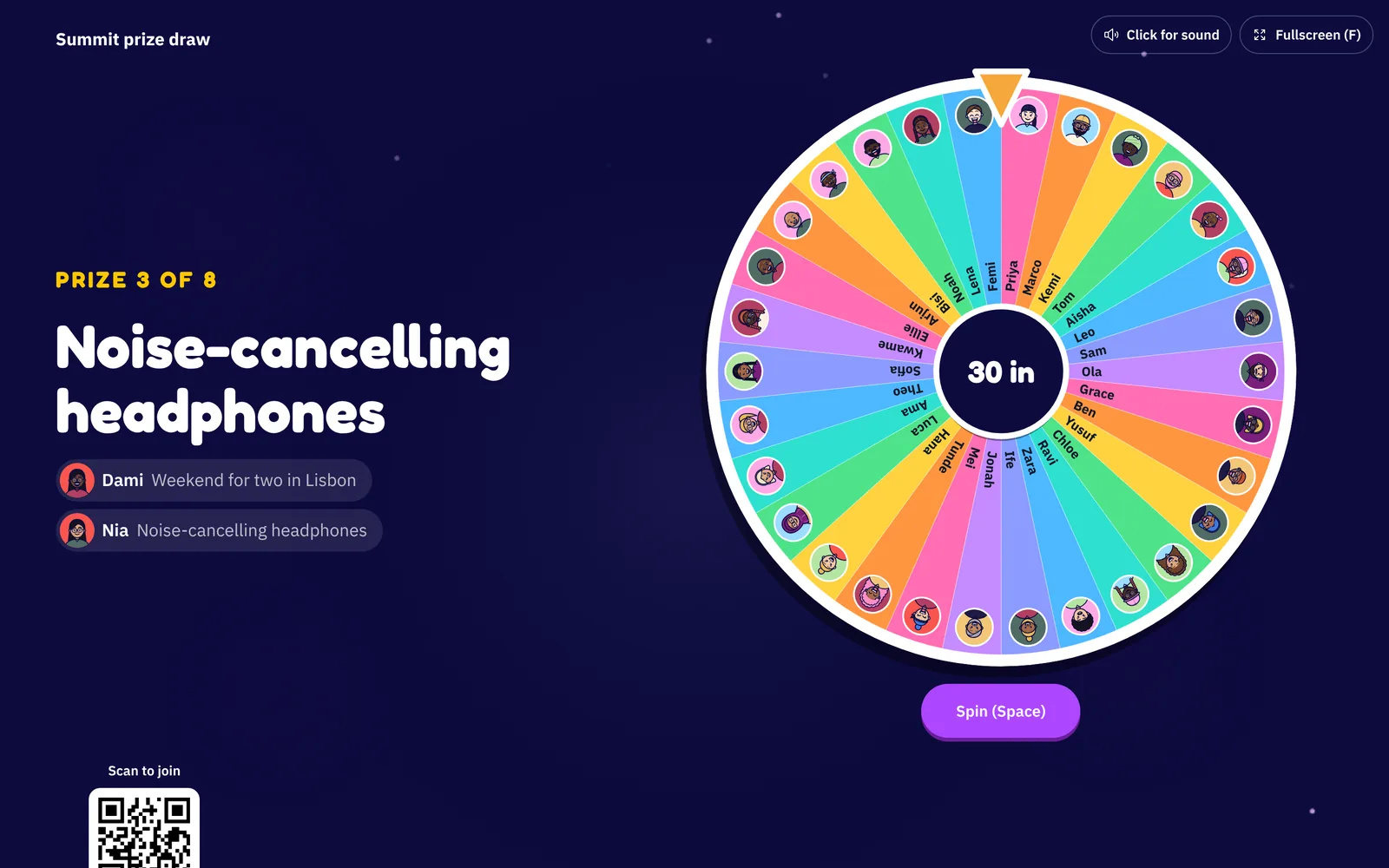
Raffle
Spin to win on every viewer's phone, or a live draw with the wheel on your stream.
Explore Raffle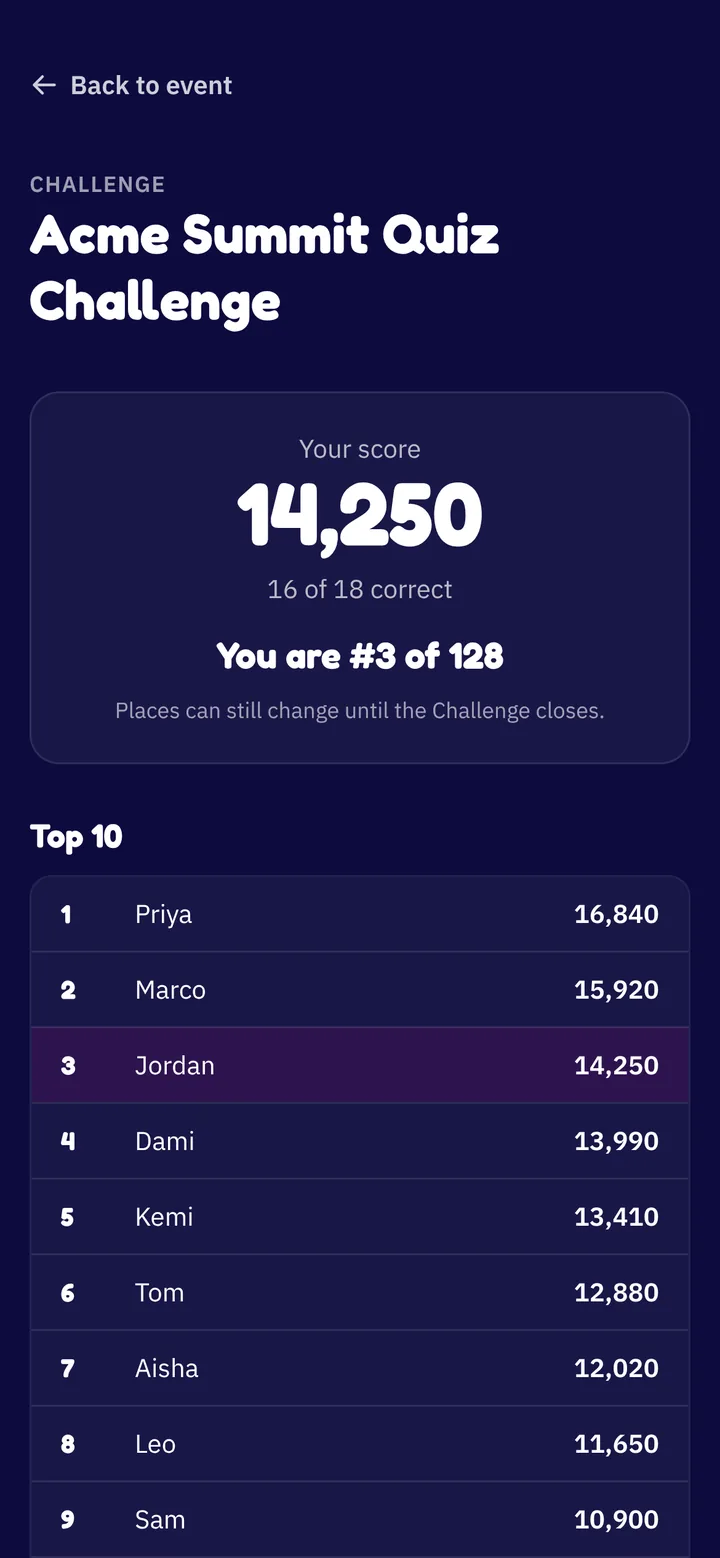
Challenge
A quiz competition open for a stream or a launch week, played at each viewer's own pace.
Explore Challenge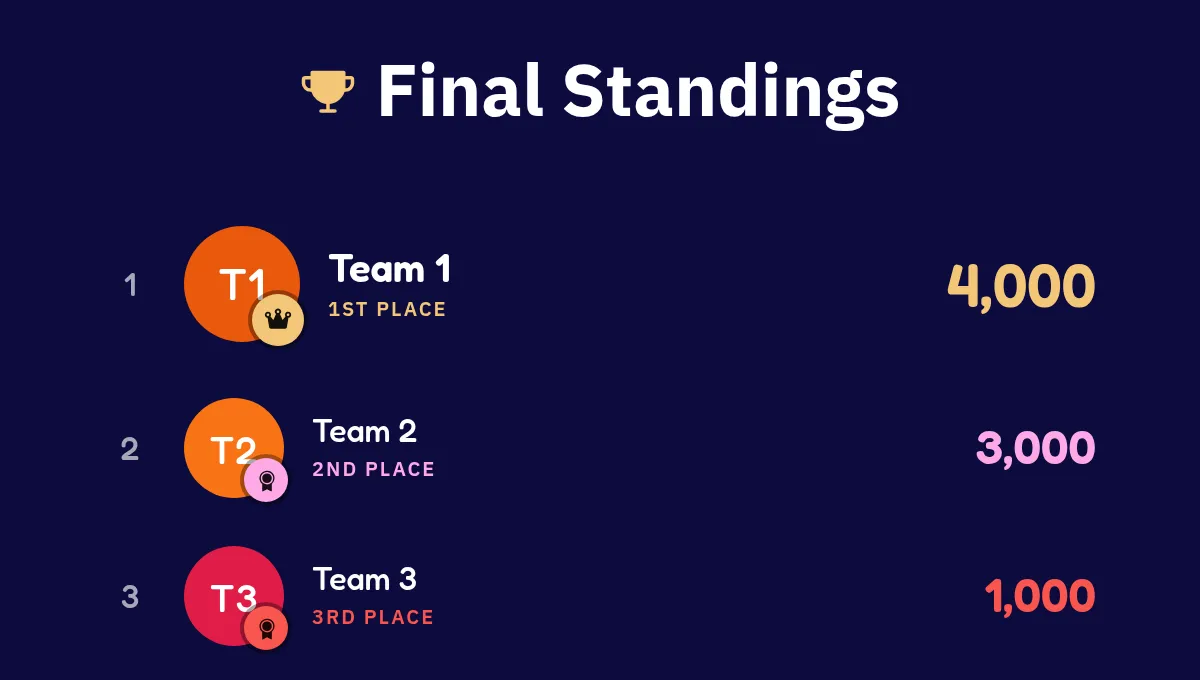
Live sessions
A live round on the big screen for an audience in the same room.
Explore Live sessions
Questions hosts ask before the day
How do viewers on TikTok Live, Twitch or Instagram Live join?
Does stream delay make a quiz unfair?
How do I run a giveaway on stream?
How do I get prizes to winners I've never met?
Can a brand use this to reward its customers?
Are there rules for running a prize giveaway?
How many people can play?
Plan it with a practical guide.
Game ideas, ready-made choices and advice for hosting your next gathering.
A random name picker for events
Run a fair prize draw live on the big screen, or let everyone spin to win.
How to create your own games
Write questions, draft them with AI or import a CSV in the Playground.
Games people play in their own time
Quizzes and leaderboards that work across days and time zones.
Give your audience a reason to stay to the end.
Build a quiz or a prize draw, put the code on stream, and reward the people who play.
See how Challenges work